Morse Code Terminal
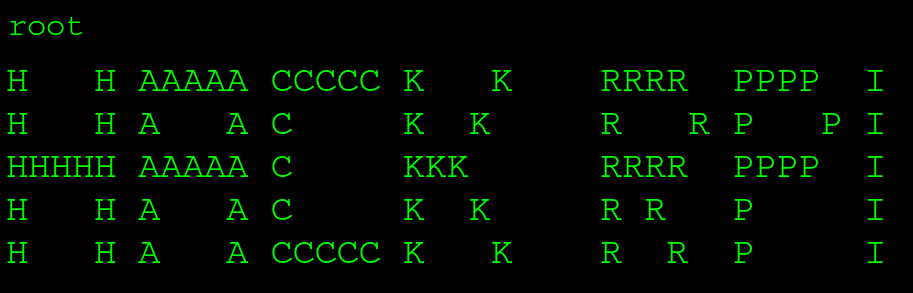
The theme of this Hackathon was Retro v. Modern. We decided to build a shorthand communication device where morse code is used to navigate a directory style menu system to select keywords, and the Google Gemini API will parse this input into a more readable and grammatically correct sentence.
The original idea was for the morse code input to be handled with an Arduino, the pyserial module, and a few buttons. We experienced major technical difficulties and due to the time constraints of the Hackathon, we ended up with a functional terminal and a functional Arduino input device as discrete projects.
All of the spaghetti code is available here.
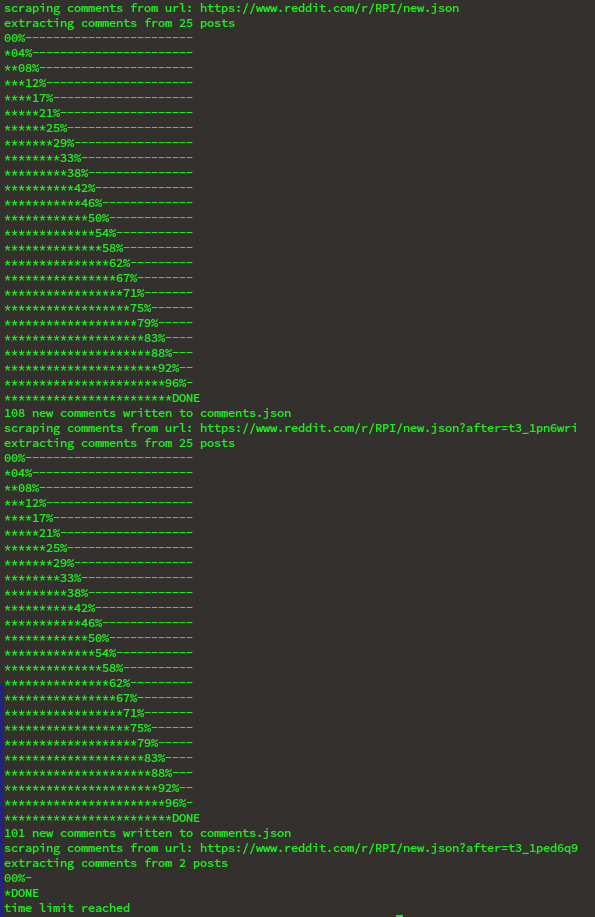
For a shorthand communication device, it makes sense to have commonly used words divided into categories. I wrote a Python script to scrape the RPI subreddit. It uses json file structure to deal with the dynamic loading nature of reddit. Since Google purchased the right to use Reddit data, the API is heavily restricted, but this scraping solution remains effective for gathering data.
I scraped the last 90 days of posts and ended up with ~10,000 words. I used the Gemini API to categorize them into the structure shown below, removing pronouns and common "stop words." Only the "Neutral" subdirectory is shown expanded in order to save space, "Negative" and "Positive" are identical.
                └── Root/
                    ├── Negative
                    ├── Positive
                    └── Neutral/
                        ├── Academic
                        ├── Actions
                        ├── Items
                        ├── Other
                        ├── People
                        ├── Places
                        ├── Resources
                        └── Social
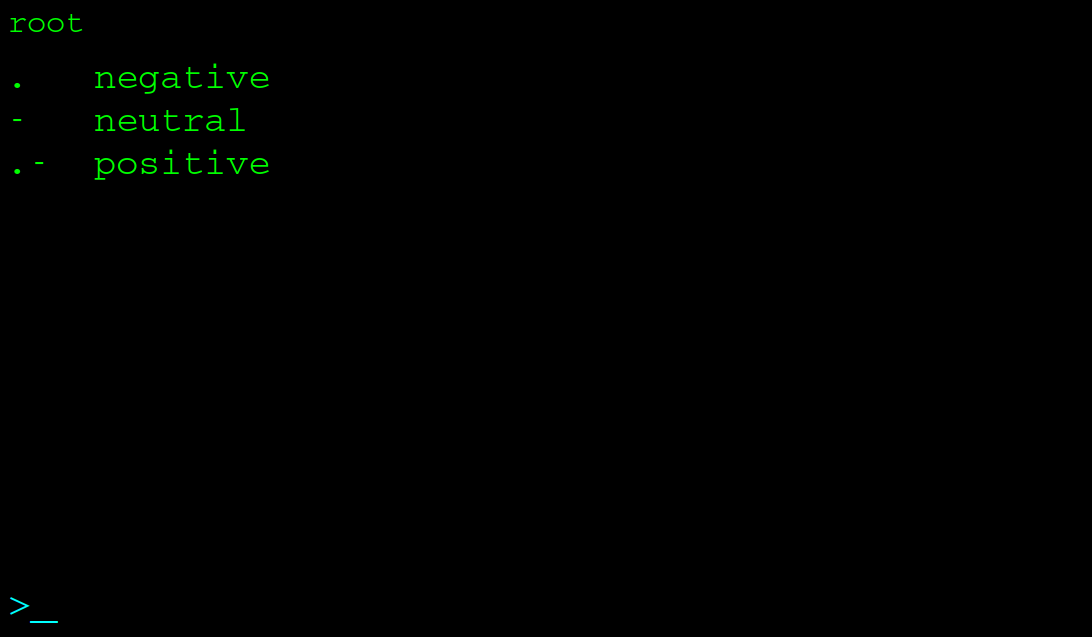
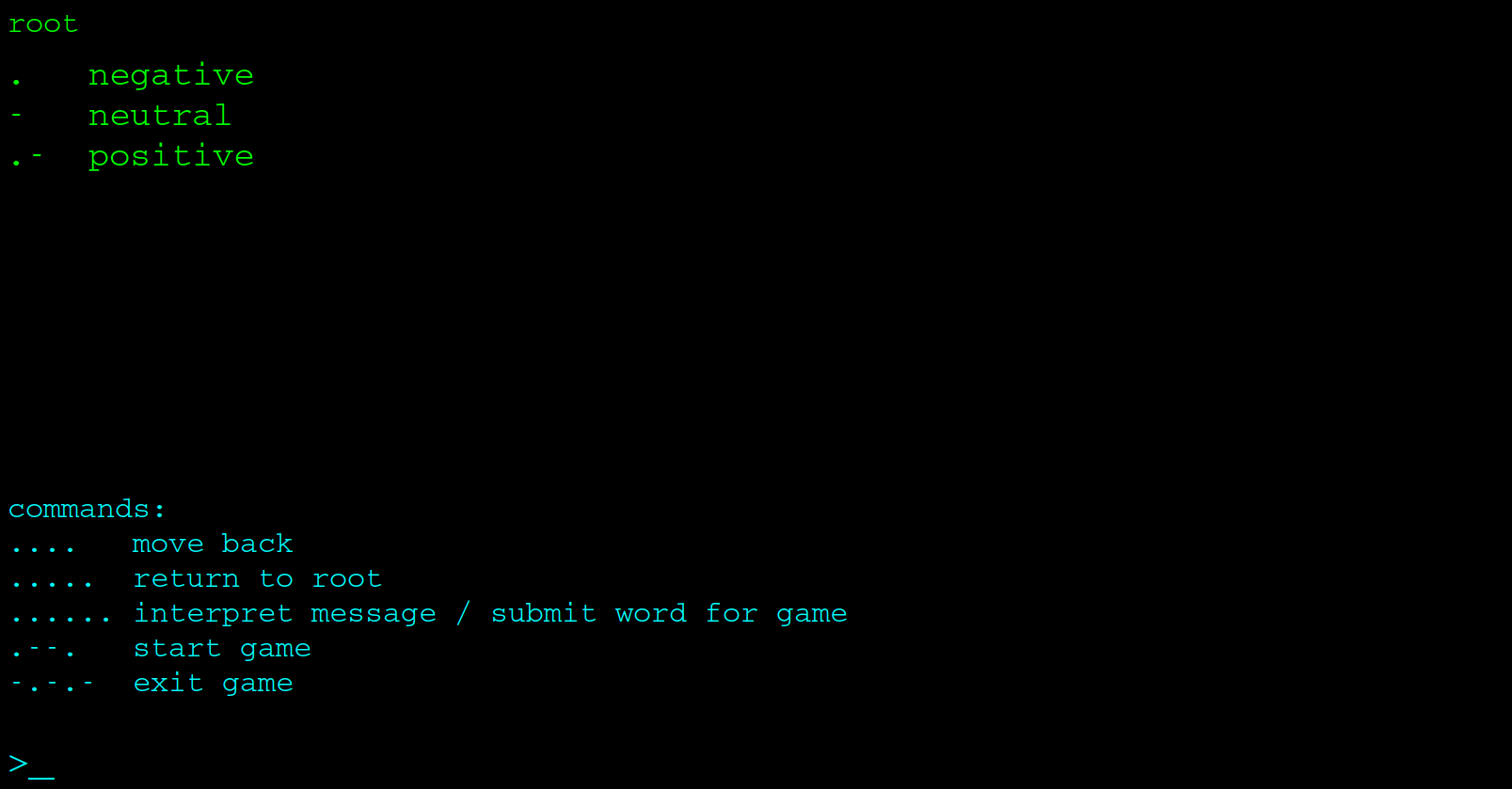
From the root screen, you can ask for help with SOS in morse code: ...---...
The SOS screen reveals a hidden game. You are given increasingly easier hints as you navigate the word category tree to find the correct word. It’s a fun way to interact with the Gemini API while testing your navigation skills.
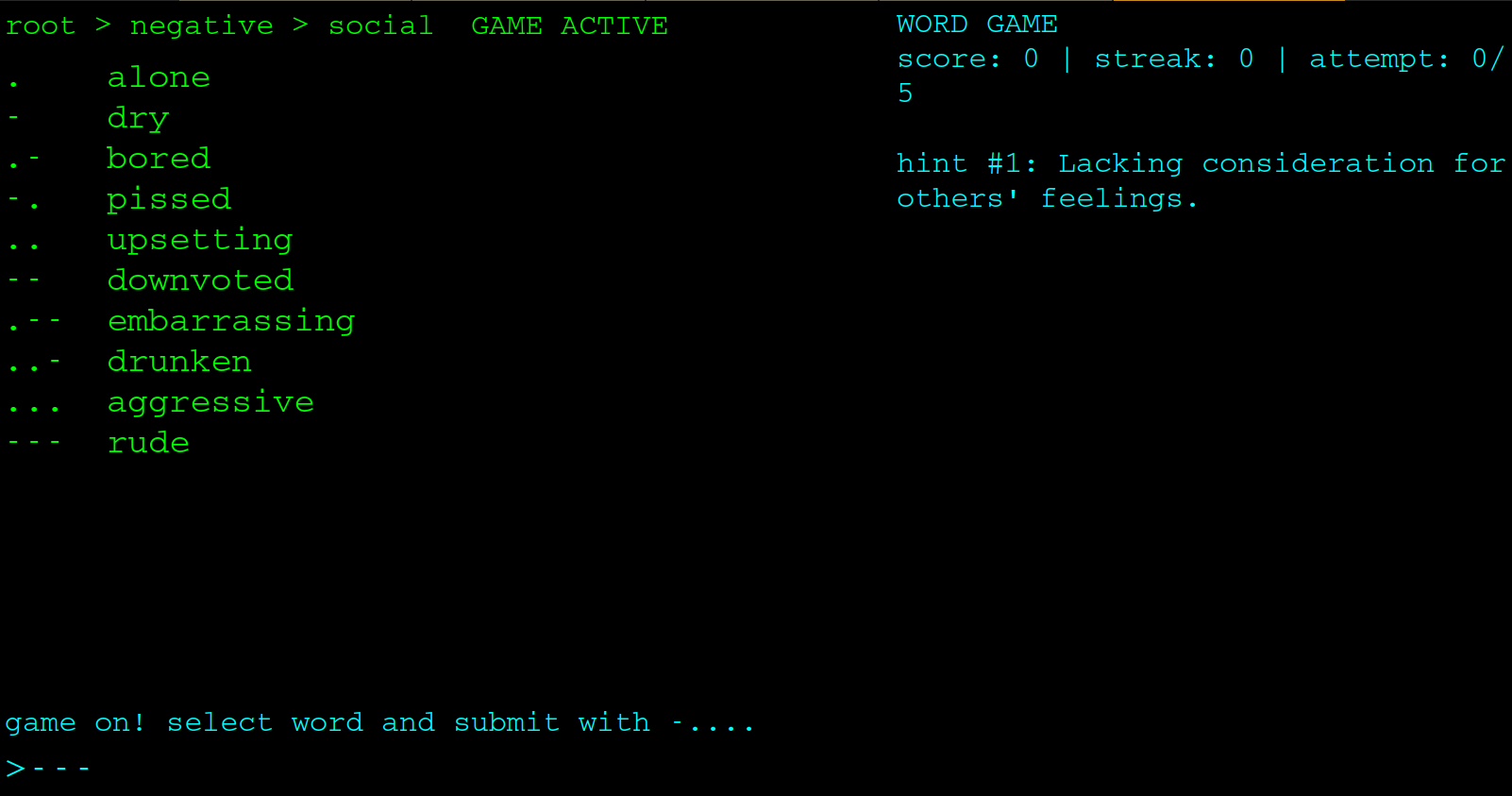
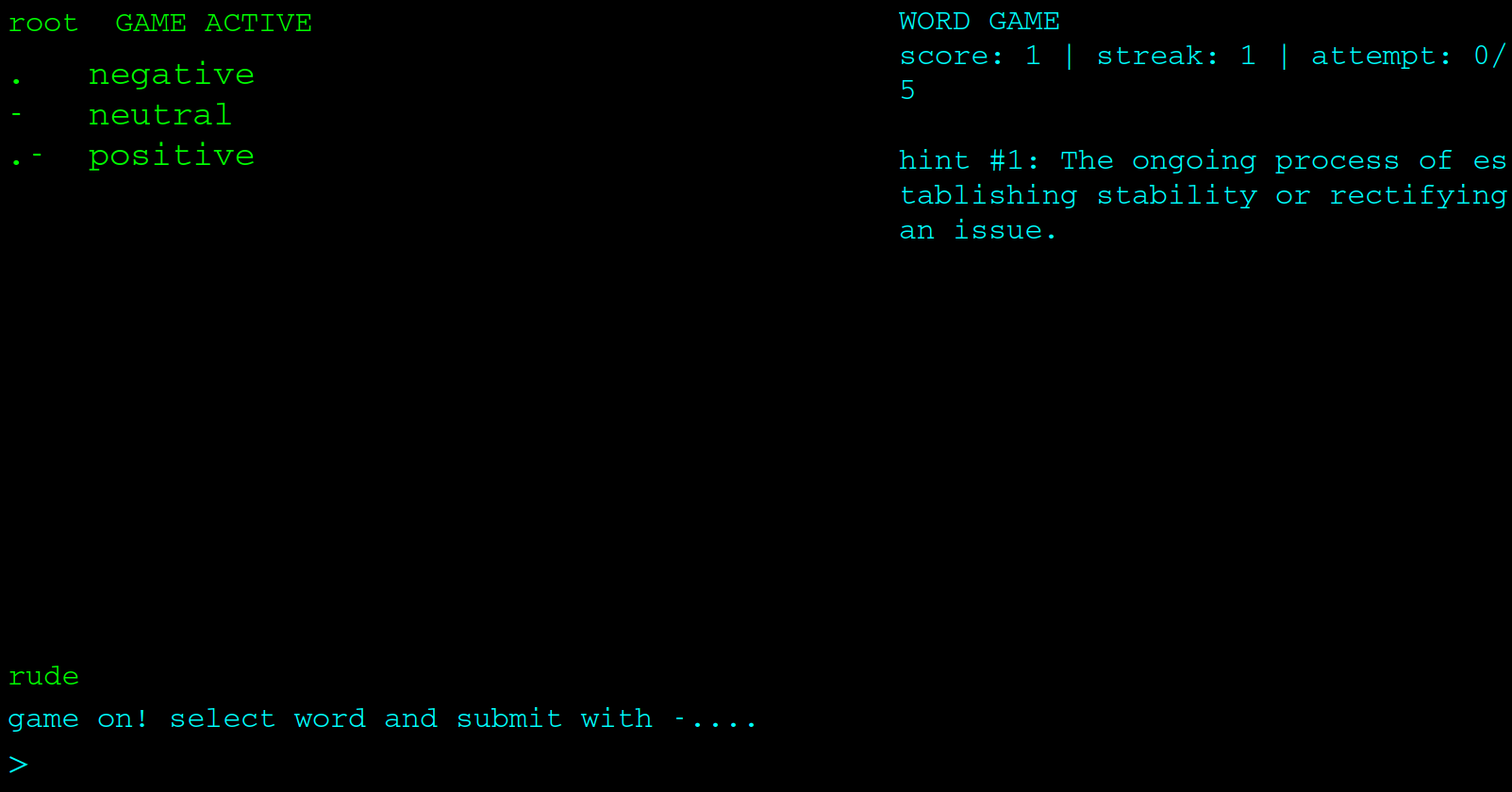
Entering .--. starts the game. In the example below, the prompt was "Lacking consideration for others feelings." By navigating to Negative -> Social and selecting "rude" with "---", the user gets a correct guess!
The Team!